
A garbage disposal that hums but does not spin usually has power, but the grinding disk or flywheel cannot turn. A small bone, utensil, or piece of food may have jammed the assembly. A failed motor or worn part can cause the same sound. Turn off the switch right away because continued humming can overheat and damage your disposal.
You can often clear a simple jam after disconnecting the power and using the right tool. You may also need to press the reset button if your unit has one. If the disposal still hums, trips the reset, leaks, or stays stuck, the problem may involve the motor, wiring, capacitor, or bearings. Knowing which checks are safe can help you avoid injury and decide when your repair needs professional attention.
Key Takeaways
- A humming garbage disposal usually has power but a jammed flywheel, often caused by food, bones, utensils, or other foreign objects. Turn it off immediately to prevent motor overheating and damage.
- Disconnect power by unplugging the unit or switching off the circuit breaker before inspecting or unjamming it. Never place your hands inside; use the manufacturer’s wrench, an Allen key, tongs, or long pliers instead.
- After clearing the blockage and allowing an overheated unit to cool, press the reset button if equipped and briefly test the disposal with cold water. Stop immediately if humming, grinding, vibration, or repeated tripping continues.
- Persistent humming, leaks, burning odors, a stuck flywheel, or failed resets may indicate motor, capacitor, bearing, wiring, or seal problems. Keep the power disconnected and call a qualified professional rather than continuing to test the unit.
Jammed Flywheel And Foreign Objects
A garbage disposal that hums but does not spin often has a jammed flywheel. This rotating part moves food against the grinding ring. Glass, metal, utensils, bones, bottle caps, and fruit pits can become lodged inside and stop the flywheel from turning. Compacted food debris can cause the same problem, especially when it hardens around the grinding parts. Turn off the disposal as soon as you hear a hum because continued operation can overheat the motor. Do not switch it on again until you find and clear the blockage.
Disconnect power before inspecting the disposal. Unplug it or turn off its circuit breaker. Shine a flashlight through the drain opening to look for a visible object. Then use long handled tongs or pliers to remove it carefully without forcing the flywheel. Never put your hands or fingers inside the disposal, even when the switch is off. The grinding parts may move unexpectedly if power is restored. Check the drain opening again after removing the object. Restore power only when the chamber is clear. If the flywheel still will not turn or the disposal continues to hum, stop using it and arrange a professional inspection.
Safe Disposal Unjamming Steps
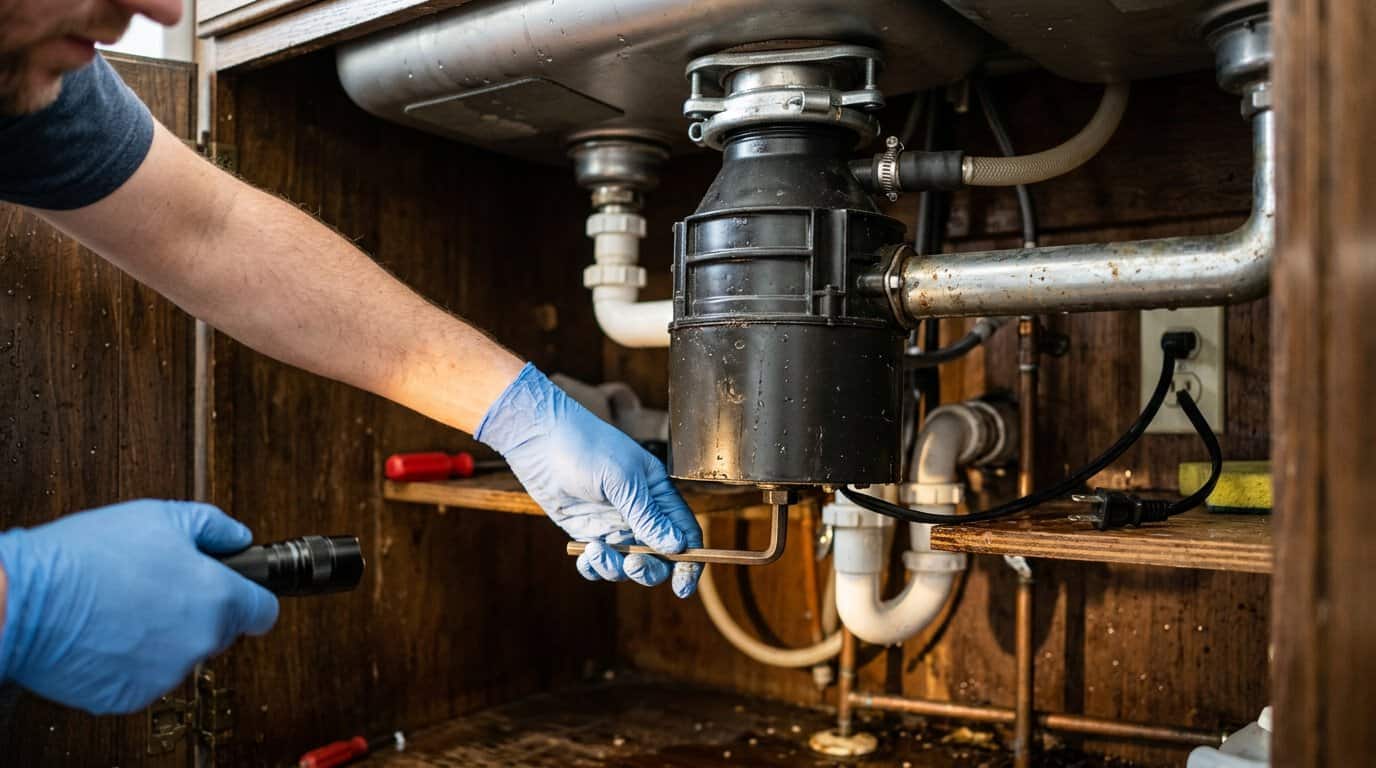
Turn off the wall switch as soon as your garbage disposal starts humming without spinning. Then unplug the unit beneath the sink, or turn off its circuit breaker if you cannot reach the plug. Do not place your hand inside the disposal, even when the switch is off. Before continuing, confirm that the unit has no power by briefly pressing the wall switch to make sure it will not start.
Use the wrench supplied by the manufacturer, or the correct size Allen key, in the opening at the bottom of the disposal. Move the flywheel back and forth in short motions to loosen the object blocking the grinding assembly. You may need to work the mechanism in both directions several times before it turns freely. Once the obstruction loosens, use tongs or long pliers to remove visible debris from above. Keep your fingers away from the opening.
After the flywheel moves freely, check the sink opening for any remaining pieces that could cause another jam. Restore power by plugging in the unit or switching on the circuit breaker. Then run cold water and test the disposal for only a few seconds. Turn it off immediately if you hear continued humming, grinding, or unusual vibration. A disposal that still hums without spinning may have a motor, capacitor, bearing, or wiring problem. A qualified professional should inspect it.
Overload Protector And Motor Problems
A disposal that hums without spinning may have overheated after a jam or several seconds of continuous humming. The thermal overload protector is a safety device that cuts power to the motor when its temperature rises too high. Turn off the wall switch and circuit breaker, then wait for the disposal to cool completely. Never place your hand inside the opening while checking the unit. Once it has cooled and you have safely cleared any blockage, press the small reset button on the bottom of the disposal until it clicks.
A reset can restore operation when overheating caused the shutdown, but it cannot repair a damaged motor or electrical part. If the disposal hums again after resetting, a failed capacitor may prevent the motor from starting. Seized bearings can also make the motor struggle or produce a grinding sound. Damaged wiring, repeated tripping, a burning odor, or a motor that stays silent after reset can point to a wiring problem or burned out motor. Stop testing the unit and arrange professional repair when these signs appear. Continued operation can cause more damage or create an electrical hazard.
When To Call A Disposal Repair Professional
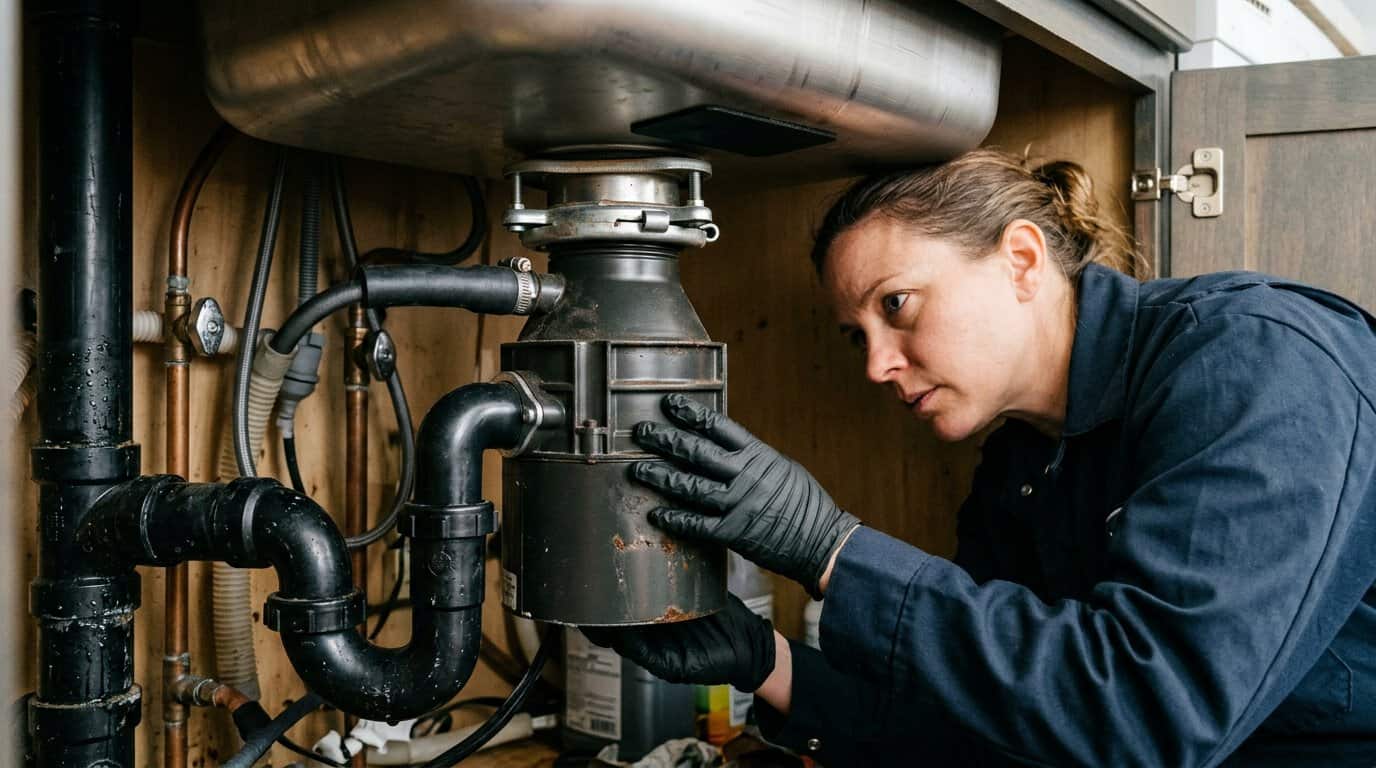
A disposal that keeps humming after you clear a visible obstruction needs professional attention. Stop testing the unit if the breaker trips repeatedly, the reset button does not restore operation, or the flywheel will not move with the power disconnected. Leaking water, burning odors, or grinding noises can also point to problems with the motor, wiring, bearings, or internal seals. These issues can worsen when you keep switching the disposal on.
Turn off the wall switch and disconnect power at the breaker before arranging service. An experienced local disposal repair professional can safely test the electrical parts and determine whether the motor, capacitor, overload protector, or grinding assembly needs repair or replacement. Do not reach into the disposal or keep forcing the flywheel when it remains stuck. Prompt service can help protect your plumbing, cabinet, and home from further damage.
Why Your Disposal Hums but Won’t Spin
A jammed flywheel is the most common reason your garbage disposal hums but does not spin. The motor receives power, but the grinding disk cannot turn because food, a small object, or another obstruction is blocking it. Overload protection may also have shut the unit down after it overheated. A failed motor, capacitor, bearing, or wiring can cause similar symptoms. Turn off the disposal at the switch, disconnect power at the breaker or unplug it, and never place your hand inside the drain opening. After the unit is safe, follow the manufacturer’s instructions to clear the jam and reset the overload protector.
If the disposal still hums after you remove the obstruction, stop testing it and leave the power disconnected. Repeated attempts can overheat the motor or turn a small repair into a larger problem. A qualified professional can check the flywheel, motor, electrical connections, and overload protection to find the real cause. For help with this repair or other kitchen appliances, explore appliance repair services. Prompt service can help restore safe operation and prevent further damage to your home.